
Next.js Auth Secret Generator: A Simple Way to Create Secure Authentication Secrets
Learn why strong authentication secrets are crucial for Next.js applications and how to generate them instantly using the Next.js Auth Secret Generator.

Next.js Auth Secret Generator: A Simple Way to Create Secure Authentication Secrets
Introduction: Why Auth Secrets Matter in Next.js
In the world of modern web development, authentication is the gatekeeper of your application's data. Whether you are building a personal blog with an admin dashboard or a large-scale enterprise SaaS, securing user sessions is non-negotiable.
For Next.js applications using libraries like NextAuth.js (now Auth.js), the Auth Secret is the linchpin of this security. It is a cryptographically strong string used to sign and encrypt session cookies and JSON Web Tokens (JWTs). Without a strong secret, your authentication tokens can be easily forged, potentially allowing attackers to hijack user sessions.

Common use cases for this secret include:
- JWT Signing: Verifying that a token hasn't been tampered with.
- Cookie Encryption: Ensuring sensitive session data stored in cookies (like user IDs) cannot be read by the client.
- CSRF Protection: generating tokens to prevent Cross-Site Request Forgery attacks.
What Is the Next.js Auth Secret Generator?
The Next.js Auth Secret Generator (available at key-generator.com) is a specialized tool designed to simplify this critical security step. instead of mashing keys on your keyboard or struggling with command-line tools, this web-based utility provides an instant, cryptographically secure solution.
The tool generates random strings with high entropy, ensuring they are unpredictable and resistant to brute-force attacks. Key characteristics include:
- Browser-Based Generation: The secret is generated locally in your browser via JavaScript. It is never sent to a server, ensuring your secret remains private.
- No Signup Required: No email or account needed—just visit and generate.
- Instant Copy: One-click copy functionality to speed up your workflow.

How Auth Secrets Are Used in Next.js Authentication
Internally, NextAuth.js looks for an environment variable named NEXTAUTH_SECRET (or more recently AUTH_SECRET).
If this secret is missing in production, NextAuth.js will throw an error and refuse to start, protecting you from deploying an insecure app. In development, it might fall back to a less secure default or show a warning, but relying on this behavior is risky.
Using a hard-coded or weak secret (like secret123) makes your tokens vulnerable. An attacker who guesses your secret can forge their own administrative tokens, bypassing your login screen entirely.
How to Use the Generator (Step-by-Step)
Getting a secure secret is a matter of seconds.
Step 1: Open the Generator Visit the Next.js Auth Secret Generator page.
Step 2: Generate a Secret Click the Generate button. You will see a long, random string of characters appear. This string uses a mix of letters, numbers, and symbols to maximize entropy.
Step 3: Copy and Store the Secret
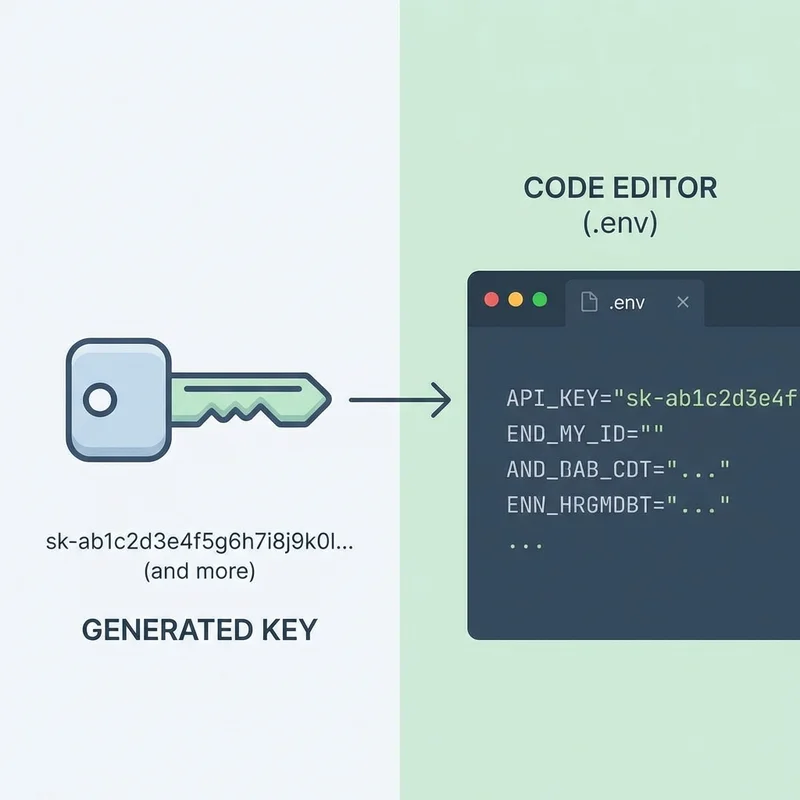
Click the copy icon to grab the value. Then, open your project's .env.local file (or your deployment platform's environment variable settings) and paste it:
# .env.local
NEXTAUTH_SECRET=your_generated_secret_here
Step 4: Restart Your Application If your local server was running, restart it to load the new environment variable.
Best Practices for Auth Secret Management
Generating the secret is just the first step. Managing it correctly is equally important.
- Length and Randomness: A good secret should be at least 32 characters long (64 characters is even better) and completely random.
- One Secret Per Environment: Never use the same secret for Development, Staging, and Production. If your dev secret leaks, your production users should remain safe.
- Never Commit to Git: Add
.envand.env.localto your.gitignorefile immediately. Committing secrets to a public repository is a top security vulnerability. - Use Secret Managers: In production (Vercel, AWS, etc.), use the platform's built-in environment variable manager to inject the secret at runtime.
Common Mistakes and Troubleshooting
Using short strings: Passwords like "password" or "test" are instant security fails. Always use a generator.
Mismatched Variable Names: NextAuth v4 uses NEXTAUTH_SECRET, while Auth.js v5 prefers AUTH_SECRET. Check your documentation version.
Breaking Sessions: If you rotate (change) your secret, all existing user sessions will become invalid because the server can no longer decrypt their cookies. Users will be logged out and asked to sign in again. This is expected behavior but can be surprising if unplanned.
Online Generator vs. Manual Generation
Why use an online tool?
You can generate secrets using the command line:
openssl rand -base64 32
However, the Next.js Auth Secret Generator offers:
- Convenience: No terminal commands to remember.
- Format Safety: Guarantees headers and character sets are compatible with web standards.
- Accessibility: Great for beginners or quick CI/CD setups where you just need a valid string fast.

Security Considerations
A common question is: "Is it safe to generate secrets on a website?"
For Client-Side Generators like this one, the answer is generally yes, provided the code runs in your browser. The secret is created by your computer's random number generator and isn't sent over the network.
However, secrets are only as safe as where you store them. Even the strongest secret is useless if you paste it into a public GitHub Gist or send it via Slack. Treat it like a password.
Conclusion
A strong Auth Secret is the foundation of a secure Next.js application. It protects your users' identities and your application's data integrity. Using a dedicated Next.js Auth Secret Generator removes the friction from creating these keys, letting you focus on building features while staying secure.
Don't leave your app vulnerable—generate a strong key today and update your environment variables.